


How Managed IT Services Help San Jose Small Businesses Reduce Downtime and Improve Security
July 15, 2026

Table of Contents
Managed IT services help reduce those risks by giving businesses ongoing IT support, proactive monitoring, cybersecurity protection, remote IT support, backup oversight, and strategic guidance without requiring a full in-house IT department.
For businesses in San Jose’s healthcare, tech, professional services, manufacturing, and local retail sectors, the right Managed Service Provider (MSP) can help improve uptime, strengthen security, and create a more reliable foundation for growth.
Key Takeaways
- Managed IT services help small businesses reduce downtime through proactive monitoring, network management, maintenance, and faster support.
- Cybersecurity support can help protect devices, email, user accounts, cloud tools, and business data from common threats.
- San Jose businesses in healthcare, professional services, manufacturing, retail, and tech often need reliable IT support without the cost of a full internal IT team.
- A strong managed IT plan should include help desk support, Microsoft 365 support, backups, cybersecurity, SLAs, vendor management, and IT consulting.
- The best IT support model helps protect productivity, business continuity, and long-term growth.
Why San Jose Small Businesses Need Managed IT Services
Managed IT services help small businesses handle these challenges with a more proactive support model. Instead of waiting for something to break, an MSP helps monitor, maintain, secure, and support the technology environment on an ongoing basis.
This gives business owners more confidence that their systems are being watched, their employees have a support path, and their cybersecurity risks are being addressed before they become larger problems.
IT Downtime and Cybersecurity Risks for SMBs
Downtime and cybersecurity risks are especially serious for small businesses because they often operate with lean teams and limited internal IT resources. Atlassian references the commonly cited Gartner benchmark that average downtime can cost around $5,600 per minute, while noting that actual costs vary by company size, industry, revenue model, and outage duration.
Cybersecurity risk is also a growing concern for SMBs. CISA notes that cyber incidents have surged among small businesses, many of which do not have the same resources to defend against ransomware and other attacks. NIST’s Cybersecurity Framework 2.0 Small Business Quick-Start Guide also encourages SMBs to build a structured approach to identifying, protecting, detecting, responding to, and recovering from cyber risks.
For businesses using Microsoft 365, cloud tools, and remote access, identity and email security should also be part of the IT support strategy. Microsoft’s Digital Defense Report highlights the continuing scale and sophistication of modern cyber threats, reinforcing why small businesses need stronger controls around accounts, devices, email, and cloud access.
Managed IT Services Explained
Instead of hiring a full internal IT department, a small business can work with an MSP that provides ongoing support and guidance. This can be especially useful for companies that need reliable technology but do not have the time, budget, or staffing to manage every IT issue internally.
A managed IT services plan may include help desk support, remote monitoring, network management, Microsoft 365 support, cybersecurity protection, patch management, backup and disaster recovery planning, vendor management, asset management, and IT consulting.
The goal is not just to fix technical issues. The goal is to keep systems stable, support employees, reduce risk, and help the business make better technology decisions.
Managed IT Services for Downtime Reduction
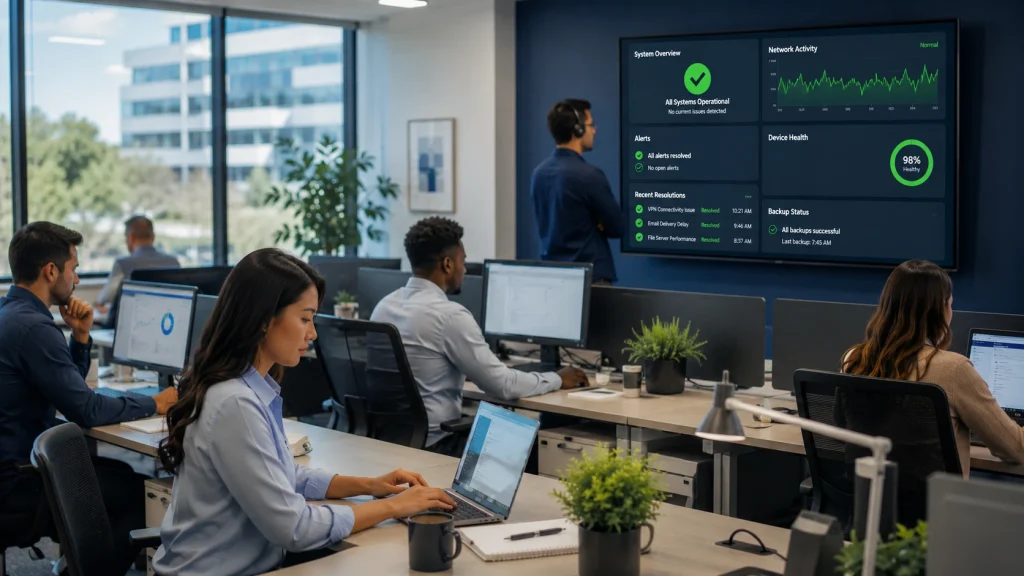
Managed IT services help reduce downtime by identifying warning signs early, maintaining systems consistently, and responding faster when support is needed.
Proactive Monitoring and Network Management
For example, if a server begins showing performance problems or a network device becomes unstable, a managed IT provider can investigate before the issue affects the entire team. This type of network management helps reduce surprise outages and gives business owners better visibility into their IT environment.
For San Jose businesses that depend on cloud tools, appointment systems, client communication, or production workflows, proactive monitoring can help prevent small technical issues from becoming larger operational problems.
Maintenance and Patch Management
Patch management helps keep software and systems updated. This is important because many cyberattacks take advantage of known vulnerabilities that could have been addressed with timely updates.
For small businesses, managed patching removes the burden of manually tracking updates across workstations, servers, applications, and security tools.
Help Desk and Remote IT Support
Managed IT help desk support gives employees a clear place to turn when they experience problems with email, devices, applications, passwords, access, printers, or connectivity. Remote IT support can often resolve issues without waiting for an on-site visit, which is especially helpful for hybrid teams, remote employees, and businesses with multiple locations.
Faster support at the employee level can reduce downtime, improve productivity, and prevent business owners from becoming the default IT troubleshooting person.
Backup and Disaster Recovery
Backup and disaster recovery planning help businesses recover faster when something goes wrong.
A strong backup strategy should focus on more than simply having copies of files. Backups should be monitored, tested, and recoverable when needed. Disaster recovery planning also helps define how systems, data, and operations should be restored after an incident.
For San Jose small businesses that rely on customer records, financial documents, project files, appointment systems, or operational data, backup and disaster recovery planning are essential parts of business continuity.
Managed IT Services for Cybersecurity
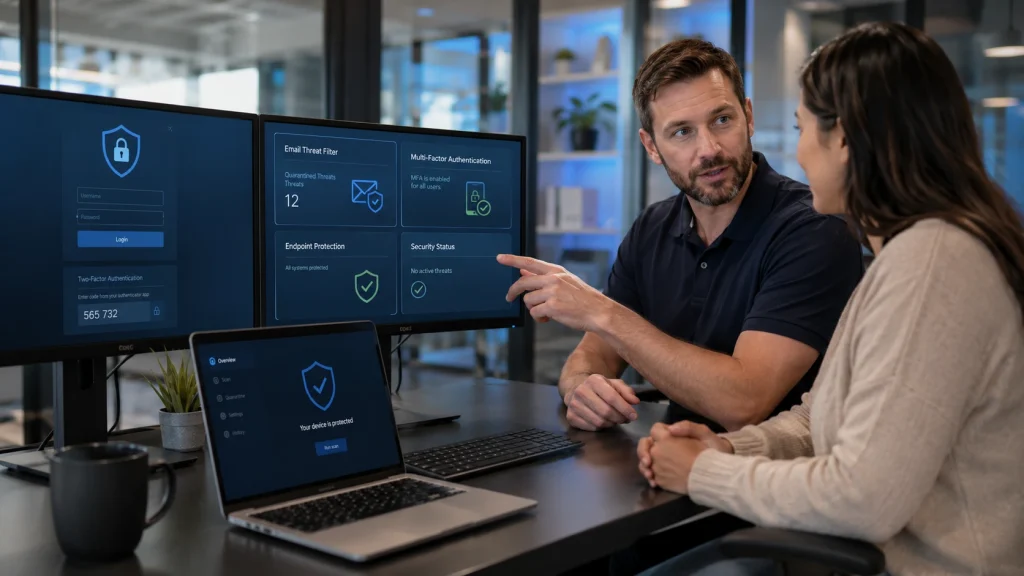
Managed IT services help strengthen cybersecurity by adding protection across users, devices, networks, cloud tools, and business data.
Endpoint Protection
Endpoint protection helps defend business devices against malware, suspicious activity, and unauthorized access. This is especially important for businesses with hybrid teams, remote workers, or employees using multiple devices.
When endpoint protection is combined with patch management, monitoring, and user support, it becomes part of a stronger cybersecurity foundation.
Email Security and Phishing Protection
Managed IT services can help strengthen email security through spam filtering, phishing protection, multi-factor authentication support, access controls, and employee awareness guidance.
For small businesses, this is important because employees often manage multiple responsibilities and may not always recognize a sophisticated phishing attempt.
Microsoft 365 Security
Managed IT services can support Microsoft 365 by helping with user management, email access, permissions, MFA, account security, device access, and cloud collaboration settings.
This helps reduce the risk of account compromise and keeps employees better supported when they rely on Microsoft 365 every day.
Security Planning and Risk Management
A managed IT provider can help businesses review security risks, strengthen policies, improve access controls, prepare for incidents, and create a more mature cybersecurity approach over time.
This may include vulnerability scanning, security awareness training, firewall hardening, risk assessments, dark web monitoring, phishing simulations, backup planning, and information security policies.
For small businesses in healthcare, finance, professional services, and technology, this type of planning also supports compliance readiness and customer trust.
Managed IT Services vs. Break-Fix IT Support
While this may work for very small organizations with limited technology needs, it becomes less reliable as the business grows. Break-fix support is reactive. Managed IT services are proactive.
| Feature | Break-Fix IT Support | Managed IT Services |
|---|---|---|
| Support Style | Reactive support after issues occur | Proactive, ongoing support |
| Monitoring | Limited or none | Ongoing monitoring and alerts |
| Network Management | Usually handled after problems happen | Ongoing network support and maintenance |
| Cybersecurity | Often separate or limited | Built into the support strategy |
| Backups | Usually addressed after data issues occur | Backup oversight and recovery planning |
| Microsoft 365 Support | Billed as needed | Often included in ongoing support |
| Help Desk Support | Available when requested | Structured support for employees |
| Remote IT Support | May be available per incident | Commonly included for faster resolution |
| SLAs | Often limited or unclear | Clearer response expectations |
| Vendor Management | Usually handled separately | Can be included in managed support |
| Strategic Planning | Limited to projects or repairs | IT consulting and business reviews |
| Cost Structure | Pay-as-you-go and less predictable | More predictable monthly model |
| Business Continuity | Usually addressed after disruption | Planned in advance |
| Best For | Minimal or occasional IT needs | Businesses that rely on technology daily |
For SMBs that depend on reliable technology, managed IT services are often the stronger long-term option because they focus on stability, prevention, cybersecurity, and business continuity.
Choosing a Managed Service Provider in San Jose
| Service Area | Why It Matters |
|---|---|
| Proactive Monitoring | Helps detect issues before they disrupt operations |
| Help Desk Support | Gives employees a clear path for technical help |
| Cybersecurity | Protects devices, accounts, email, and business data |
| Microsoft 365 Support | Supports email, users, permissions, and collaboration tools |
| Backup and Disaster Recovery | Helps protect business continuity |
| Network Management | Keeps systems and connectivity more reliable |
| Vendor Management | Helps coordinate technology vendors and services |
| Asset Management | Improves visibility into devices and systems |
| SLAs | Sets expectations for response and support |
| IT Consulting | Helps align technology with business goals |
The right provider should be able to explain what is included, how support requests are handled, what security services are available, and how the plan can scale as the business grows.
Local IT Support for San Jose Industries
Healthcare practices may need secure systems, reliable backups, access controls, and compliance-aware support. Professional services firms often need strong Microsoft 365 support, secure file access, fast help desk response, and reliable cloud tools. Manufacturing businesses may need network management, workstation support, business continuity planning, and vendor coordination. Tech startups may need scalable remote IT support, onboarding support, cybersecurity guidance, and cloud management.
This local industry context matters because downtime and security issues affect each business differently. The best managed IT services plan should be aligned with the company’s operations, risk level, team size, and growth goals.
For San Jose SMBs, managed IT support can provide enterprise-level structure without requiring enterprise-level internal staffing.
Frequently Asked Questions About Managed IT Services in San Jose
What are managed IT services?
How do managed IT services reduce downtime?
Are managed IT services good for small businesses?
What cybersecurity services are included in managed IT?
What is an MSP?
Do San Jose businesses need local managed IT support?
How do managed IT services support business continuity?
Does MotivIT provide managed IT services in San Jose?
Yes. MotivIT provides managed IT services in San Jose for businesses that need reliable support, cybersecurity protection, remote IT support, Microsoft 365 support, network management, and scalable IT consulting.
Stronger IT Support for San Jose Small Businesses
By combining monitoring, cybersecurity, help desk support, Microsoft 365 support, network management, backup planning, vendor management, and IT consulting, a managed IT plan can help reduce downtime and improve security while supporting long-term growth.
For San Jose businesses in healthcare, professional services, manufacturing, tech, and local service industries, reliable IT support is no longer optional. It is part of protecting productivity, customer trust, and business continuity.
Ready to Reduce Downtime and Strengthen Your Business Security?
MotivIT helps businesses stay secure, connected, and prepared with managed IT services designed for real operational needs. Whether your business needs essential support, stronger cybersecurity, 24/7 coverage, or scalable IT management, MotivIT can help you choose the right level of service for your goals.